Keep your most-used text visually organized
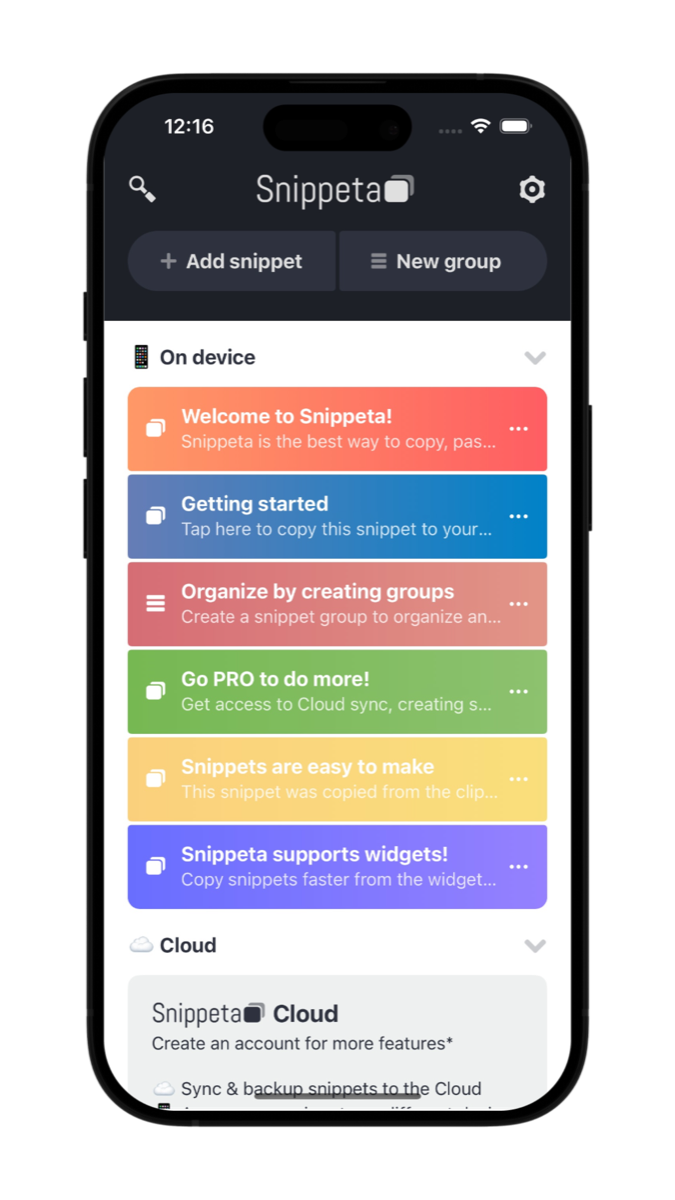
Browse saved prompts, quick replies, notes, and links in a layout that is easy to scan and ready to copy.
Clipboard manager and paste keyboard
Keep AI prompts, links, quick replies, and other snippets ready in one tap.


Snippeta is a clipboard manager and paste keyboard for iPhone, iPad, Mac, and Android. Save text snippets you use often, then find, copy, and paste them without retyping the same thing over and over. It is built for AI prompts, links, notes, captions, quick replies, and any text you want to keep visually organized and easy to retrieve.
Browse saved prompts, quick replies, notes, and links in a layout that is easy to scan and ready to copy.
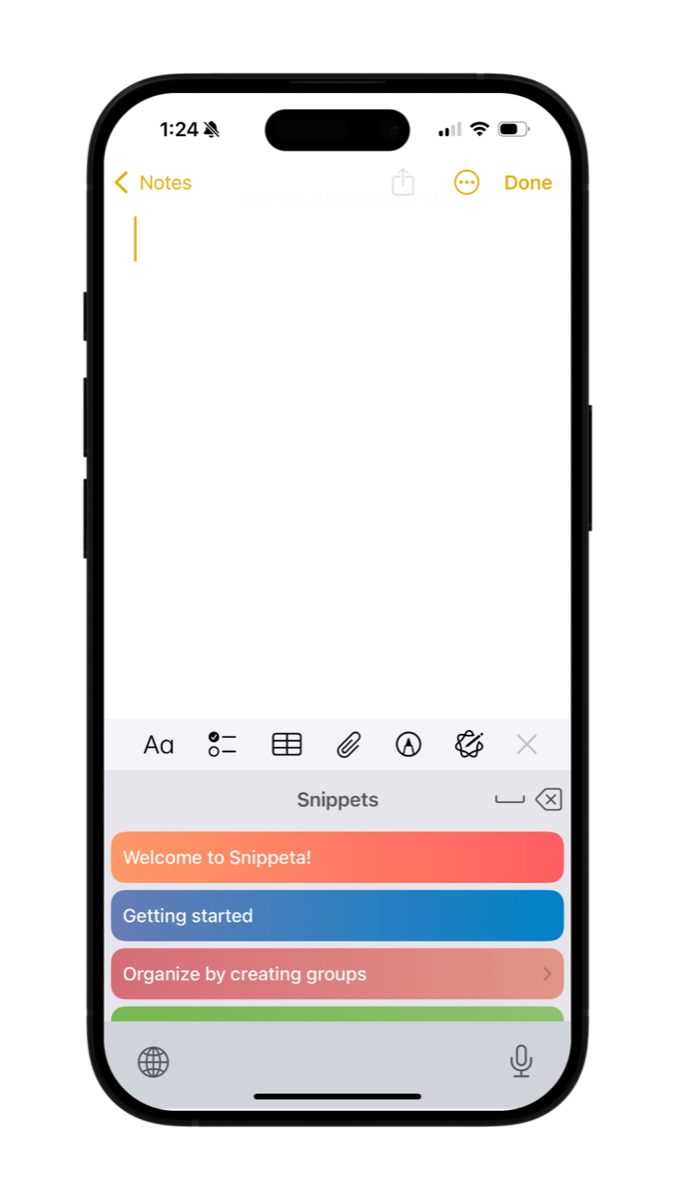
The Snippeta keyboard keeps your saved text close while you write in Notes, chat apps, email, and AI tools.
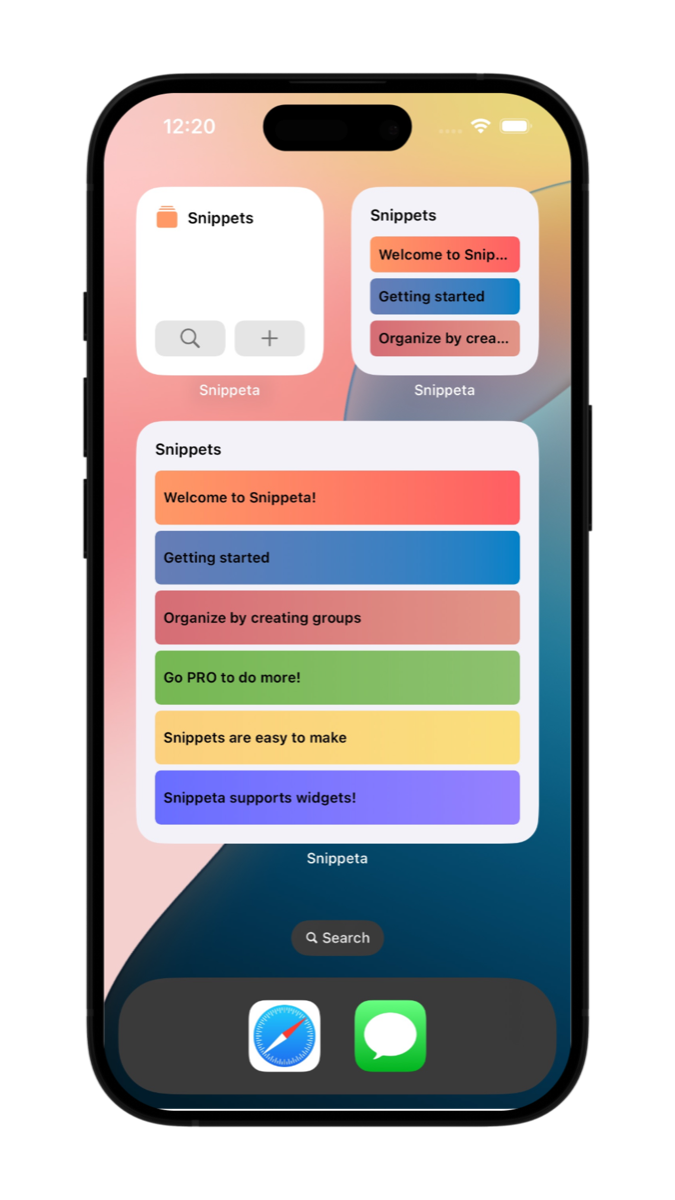
Use home screen widgets for glanceable access when you want your most useful text one tap away.
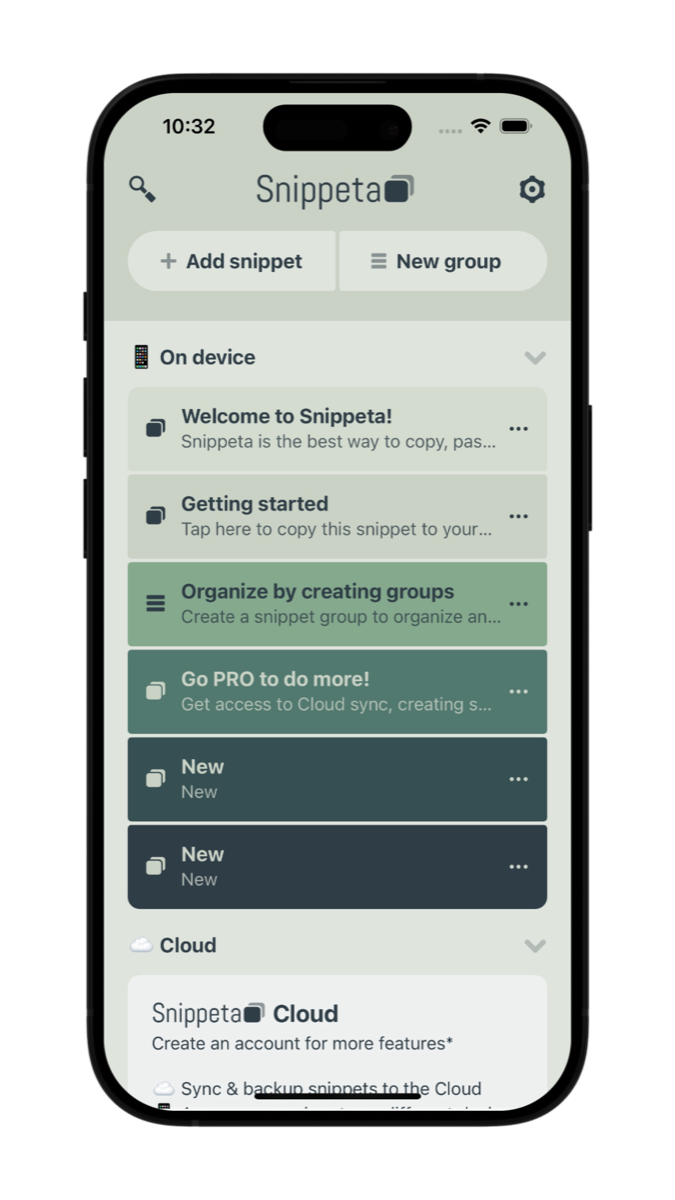
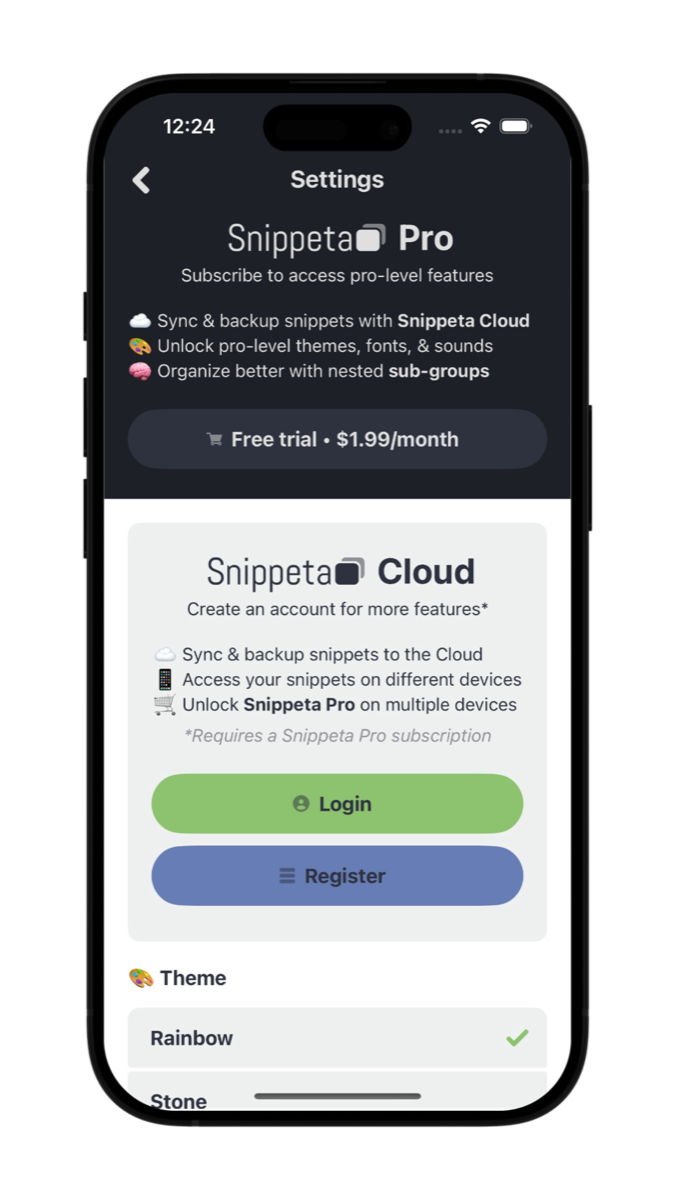
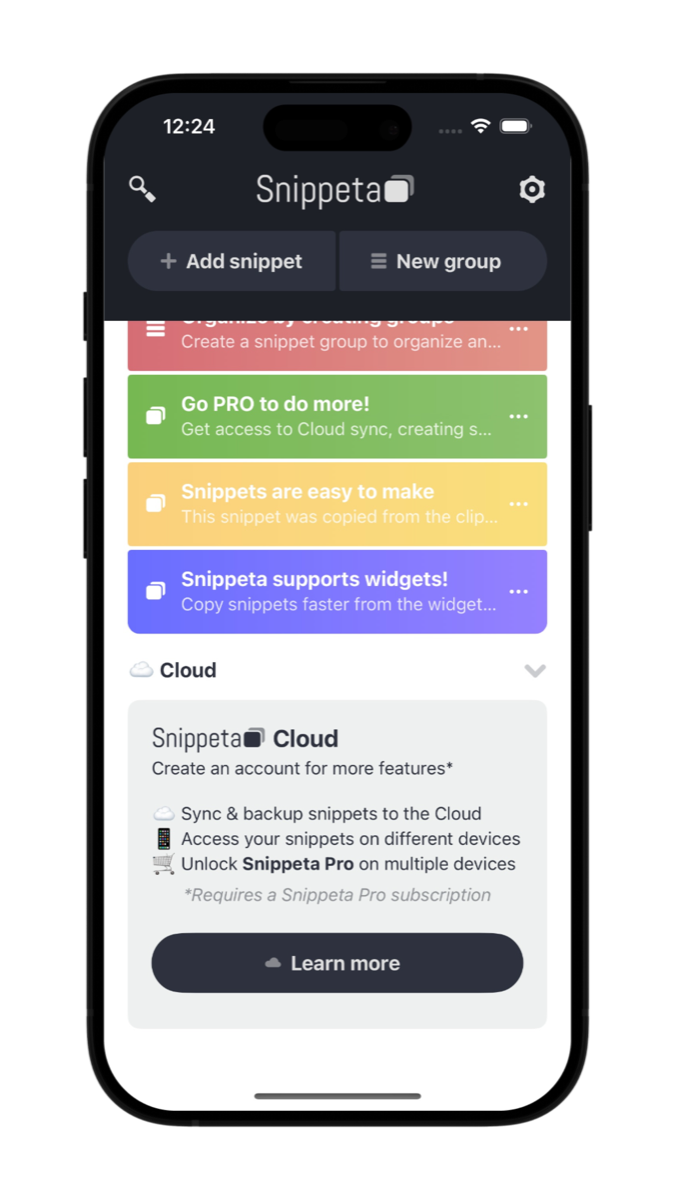
Snippeta helps remove the friction from repetitive typing so reusable text stays organized, visually scannable, and ready when you need it.
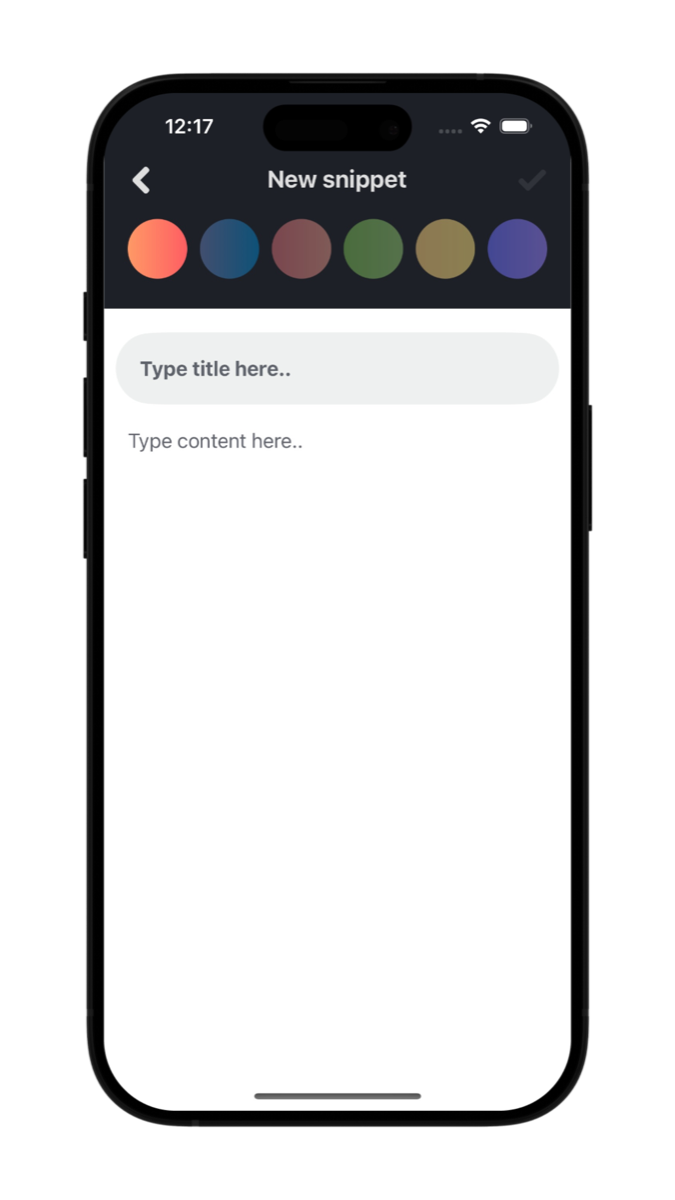
Save prompt templates, research prompts, and polished instructions so you can paste them into ChatGPT, Gemini, and other apps in seconds.
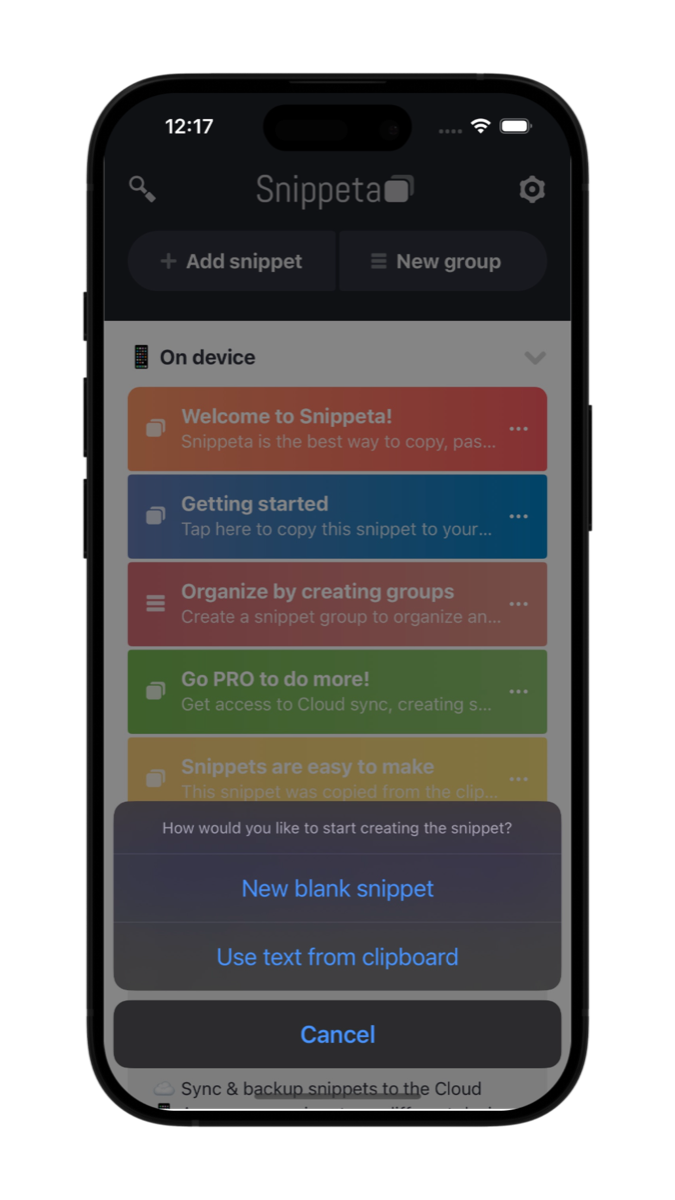
Keep frequently used links, social captions, support replies, and text message templates in one place for quick copy and quick paste.
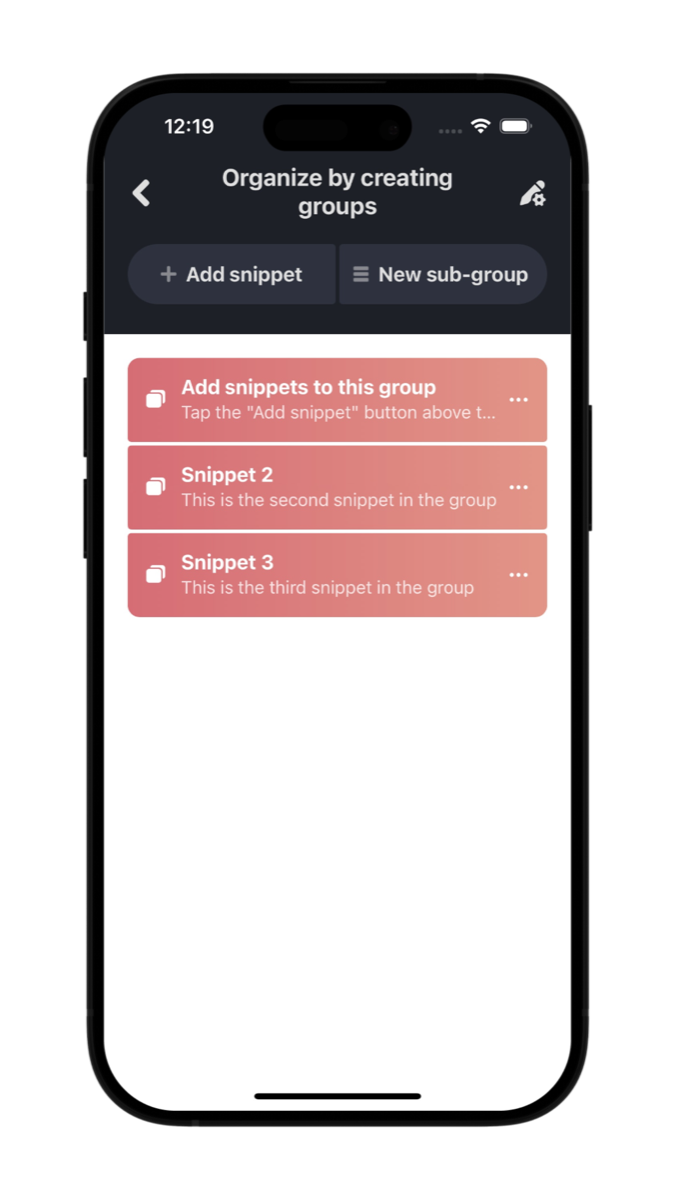
Capture ideas in your notes app, then move the text you reuse most into Snippeta so retrieval is fast and repeatable instead of buried in long notes.
Explore the Snippeta FAQ to learn how the app works as a clipboard manager, text snippet organizer, and quick paste utility for reusable text.
Have questions or issues with Snippeta? Reach out and we will help you get back on track.